
Project

improving housing search clarity
users struggled to understand which housing option matched their needs and budget.

UX Design · client project · lovable

short paragraph explaining situation
what exists today
why it matters
(keep it tight. No storytelling fluff)
Optional:
One supporting image (interface or environment)

Research & Insights

This is where many portfolios get weak. Keep it concrete.

Structure:

  • Short intro line
  • Then 3–5 key insights

Format each insight like:

  • bold statement
  • 1–2 lines explanation

Example:

Users don’t understand available options
Many participants could not distinguish between housing types, leading to hesitation.

Optional visuals:

  • screenshots of notes
  • quotes (use salmon for quote marks or emphasis)

Flows

Short explanation what you mapped and why

1

User journey map (jump down link)

Navigating life’s intricate fabric, choices unfold paths to the extraordinary, demanding creativity.
2

Storyboard

Navigating life’s intricate fabric, choices unfold paths to the extraordinary, demanding creativity.
3

User flow

Navigating life’s intricate fabric, choices unfold paths to the extraordinary, demanding creativity.

4

Prototype

Navigating life’s intricate fabric, choices unfold paths to the extraordinary, demanding creativity.

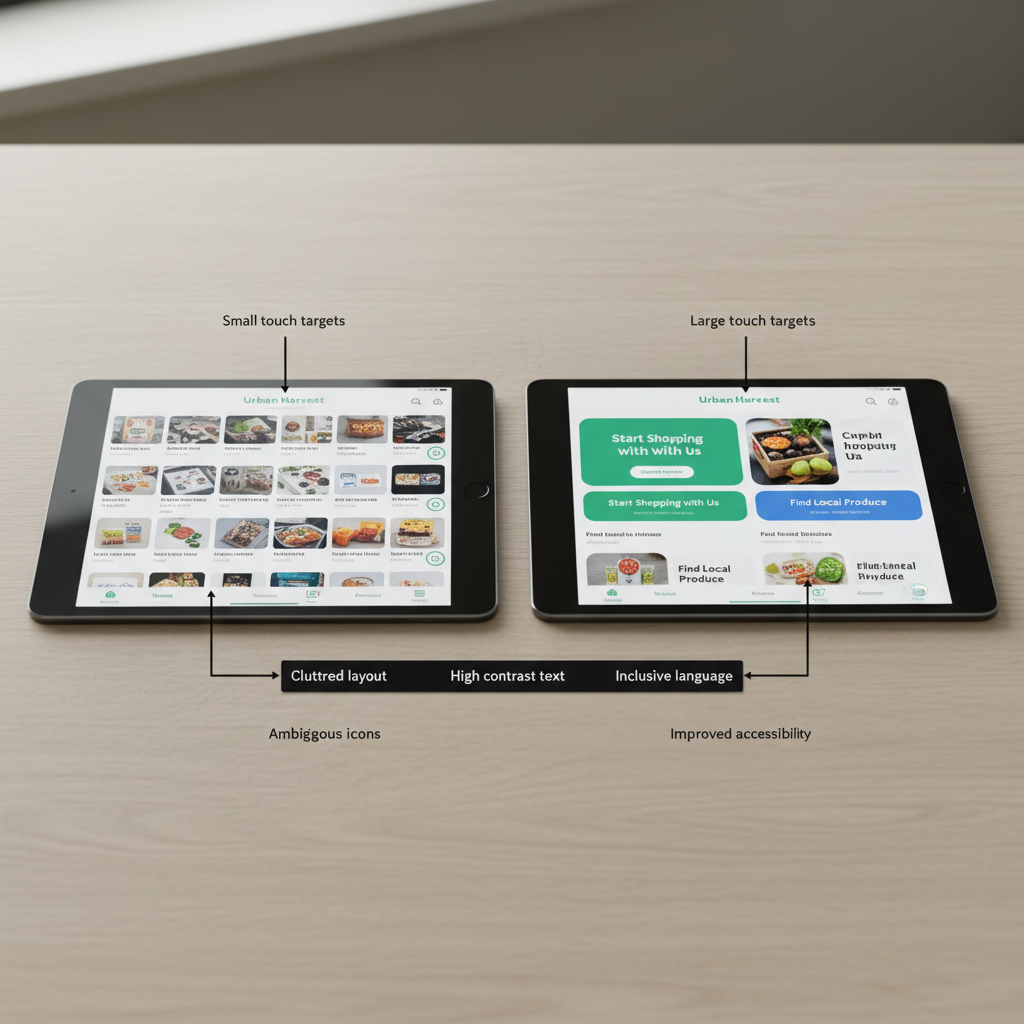
A side-by-side comparison of two UX flows displayed on matching, thin black tablets resting on a light ash wood surface. One tablet shows a cluttered, low-contrast interface, while the other presents a clean, accessible redesign with large touch targets, clear hierarchy, and inclusive language. Between them lies a narrow black strip of annotations, printed in precise sans-serif type, calling out ethical and usability improvements. Soft, overcast window light from the left creates even illumination and subtle, directional shadows, enhancing contrast without harshness. Shot from a slightly elevated angle with moderate depth of field, both screens are crisp while the wood texture softly recedes. The photographic realism and restrained palette underscore thoughtful, principled UX decision-making.

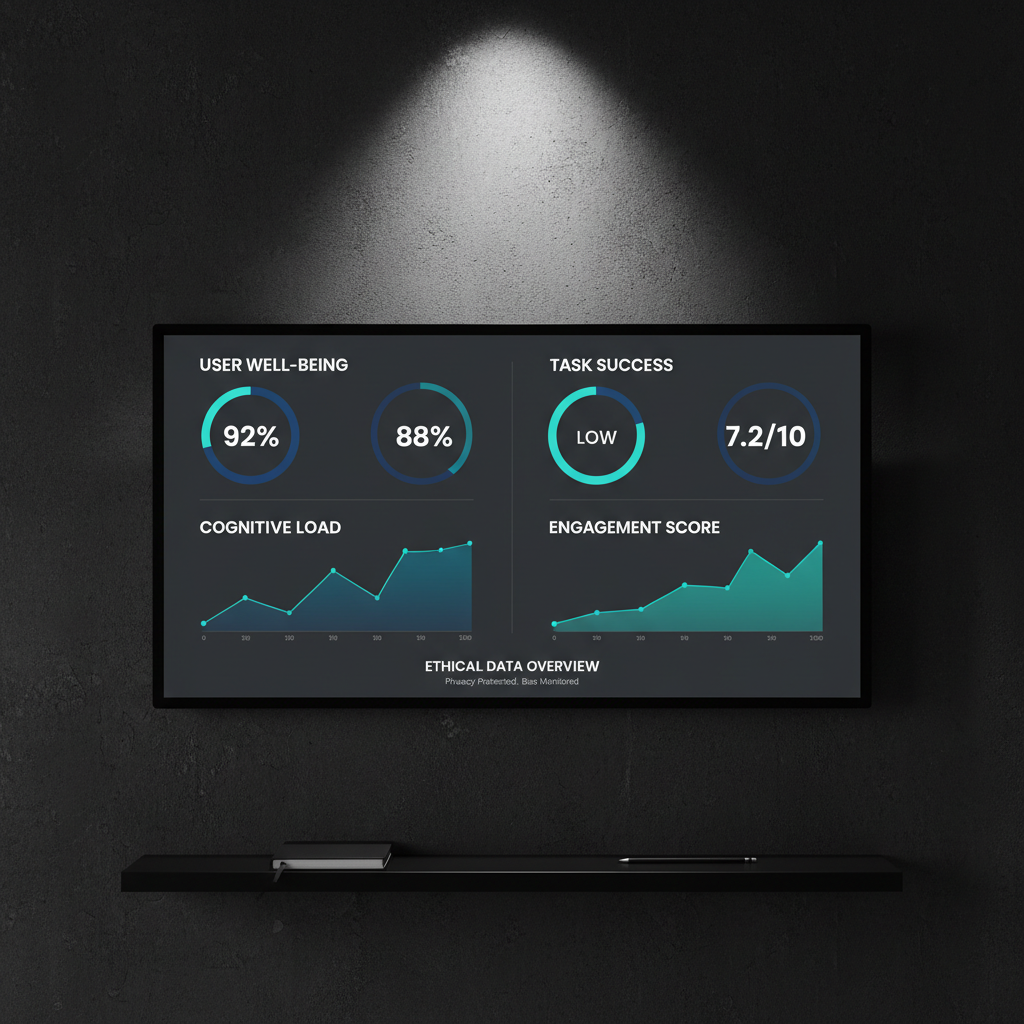
A dramatic, minimal UX dashboard interface displayed on a large, frameless ultra-wide monitor mounted on a dark, textured wall. The screen shows an accessible analytics dashboard with generously spaced charts, high-contrast labels, and clear, ethically framed metrics like “user well-being” and “task success.” The monitor rests above a narrow black shelf holding only a single monochrome notebook and a slender graphite pencil. Lit by a single, focused overhead light, the interface glows against the near-black surroundings, casting a faint halo on the wall. Captured in a straight-on composition with sharp focus throughout, the photographic image feels bold, cinematic, and intensely focused on the ethical, data-informed side of UX design.

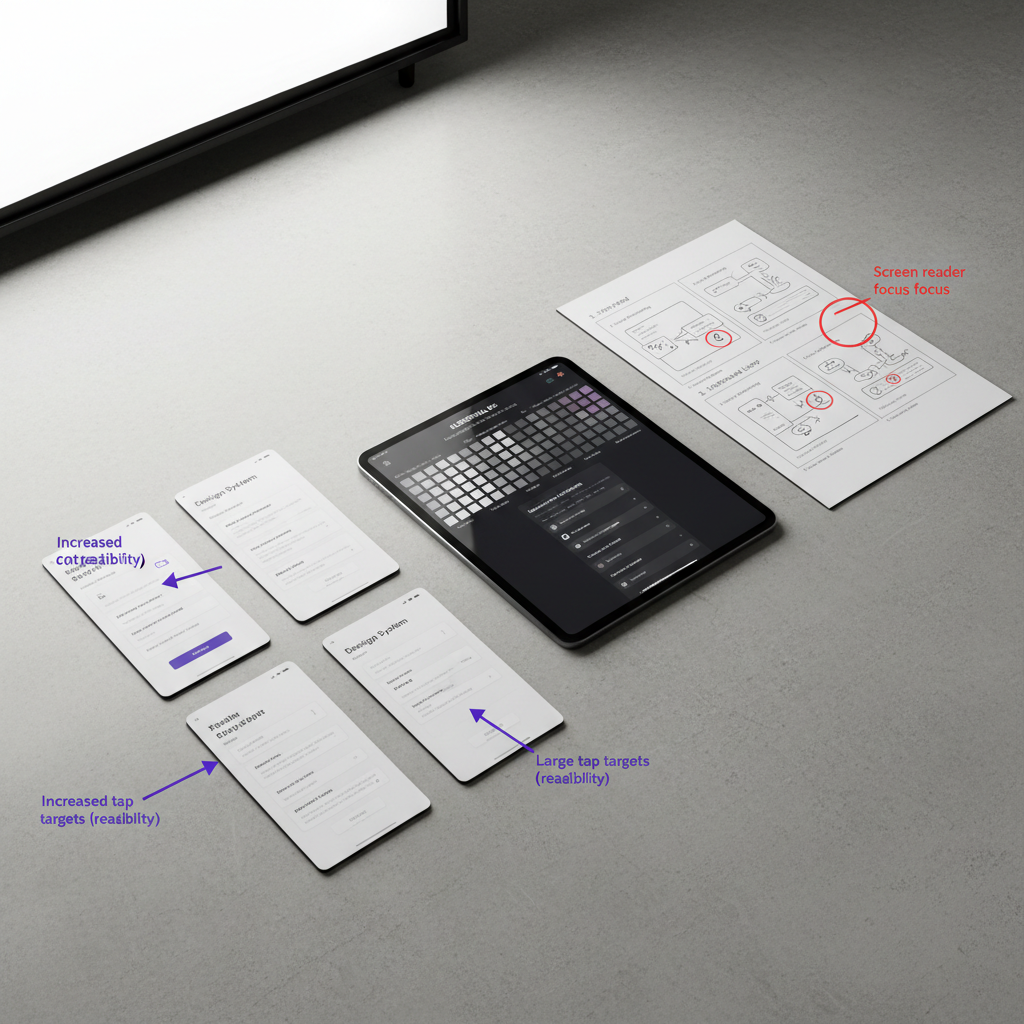
A collection of UX case study artifacts spread with careful precision across a wide, pale concrete tabletop: high-fidelity mobile screens printed on thick matte paper, a bold black tablet displaying a crisp design system, and a stark white storyboard of user flows drawn with sharp black lines. Each artifact uses strong contrast and generous whitespace, with clear accessibility annotations. Overhead, soft studio lighting evenly illuminates every detail, creating gentle, defined shadows that add depth. Shot from a slightly elevated, top-down perspective, the composition forms a strong diagonal flow from lower left to upper right. The mood is bold and analytical, with a photographic realism that highlights structure, hierarchy, and methodical UX craftsmanship.

Design Decisions

This is where you differentiate yourself.

Split into 2–3 sub-blocks:

A. Structure
Explain layout, hierarchy, navigation choices

B. Accessibility
Contrast, readability, cognitive load, clarity

C. Ethics (optional but strong for you)
How you avoided confusion, manipulation, or overload

Keep each:

  • short heading
  • 2–3 lines max

Do not ramble.

Solution

Short intro line

  • Sequence of screens (top to bottom)

Optional:

  • add 1-line caption per screen

embedded Lovable link

Latest Notes

View Archive [ -> ]